Features
Features
See how Gulliver can help you
The story
Four days in Kyoto
One trip, one album
Follow Mia, Ethan, and Sophie through Kyoto and see how Gulliver turns three people’s photos into one album they can share and keep.
On the trip
On the trip
Four days, three friends, photos on four devices
Mia brought her phone and a camera. Ethan shoots on an iPhone, Sophie on Android. Everyone took plenty, and every photo stayed on the device that took it.
Organize
Back home
Back home, she just enters the dates
Mia opens Gulliver and enters Nov 12 to Nov 15. Gulliver does the rest.
Places and routes
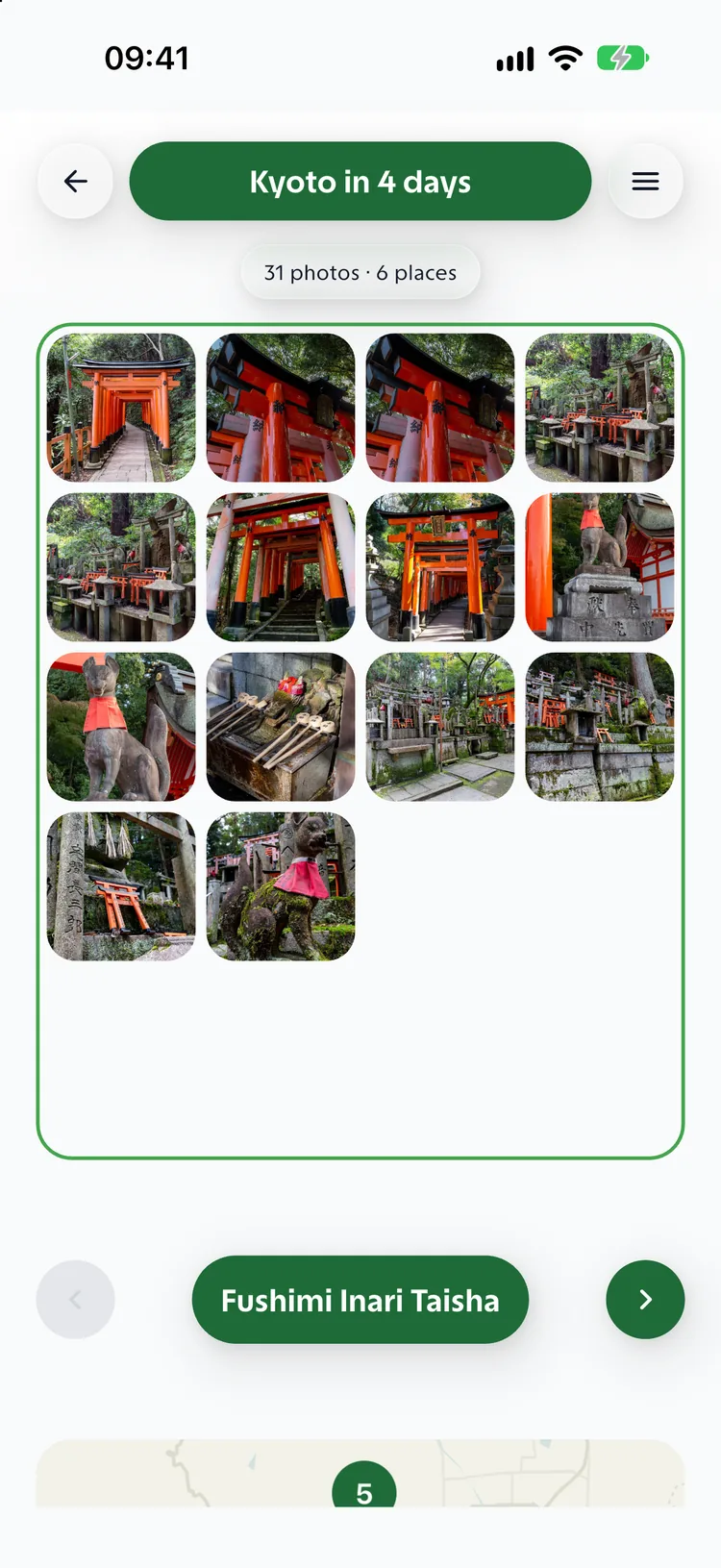
Photos are grouped into places by time and location, then laid out as each day’s route. No sorting by hand.
Map
The whole trip becomes one map, with places numbered in the order of the route.
Camera photos get a location, too
Photos from the camera have no location. Gulliver matches the time each one was taken to the route Mia recorded, or to a GPX or KML route file she imports, and fills the location back in.
Similar photos
Keepers
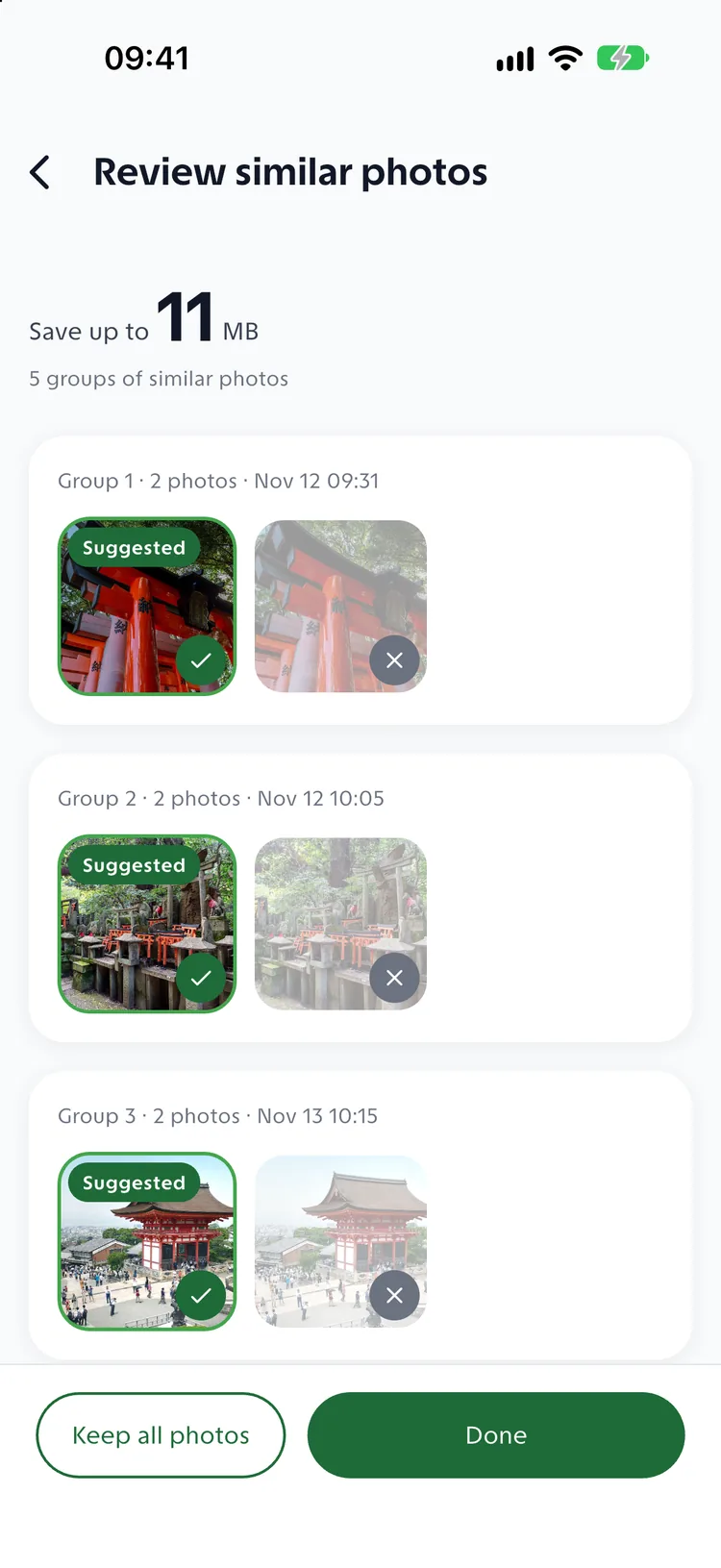
Five shots of the same gate. Keep one.
In front of the torii gates, all three of them took the same shot a few times.
Review similar photos
Gulliver groups look-alike photos and suggests a best shot in each group. The rest are archived, not deleted, and you can restore them later.
Share
Together
One link, three people, one album
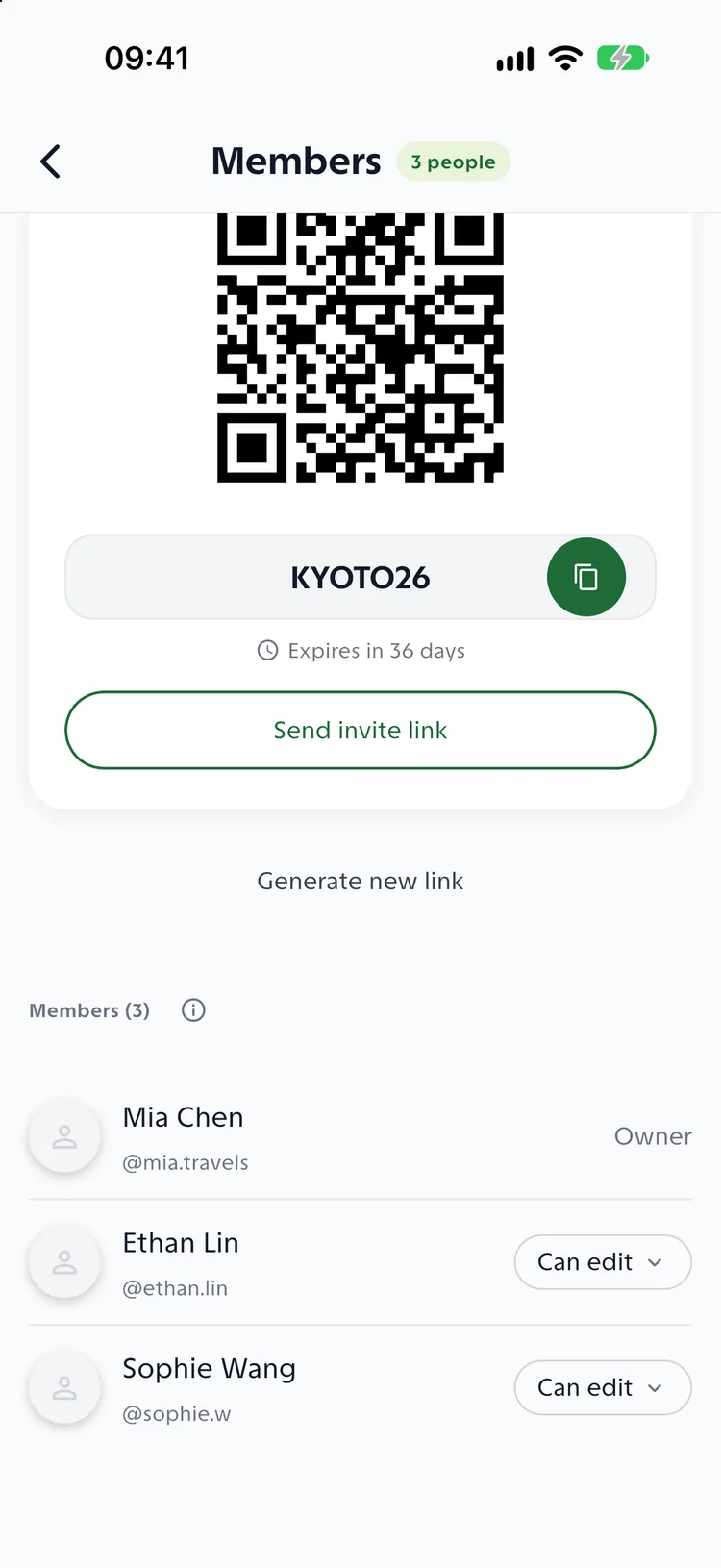
Mia sends Ethan and Sophie an invite link. An invite code works too.
Shared albums
iPhone and Android can both join, and everyone adds their own photos to the same album.
Mia decides who can do what
Mia is the owner and her two friends can edit. Family who only want to look are set to view only.
OwnerCan editView onlyKeep
Kept safe
New phone, and Kyoto is still there
A year later, Mia gets a new phone.
Cloud backup
The photos in her albums are backed up to the cloud, so they’re still there on the new phone.
Live Photo motion
Mia also turned on backup for Live Photo motion, so the breeze at the gates still moves. It’s off by default, and it uses more storage.
Relive
Years later
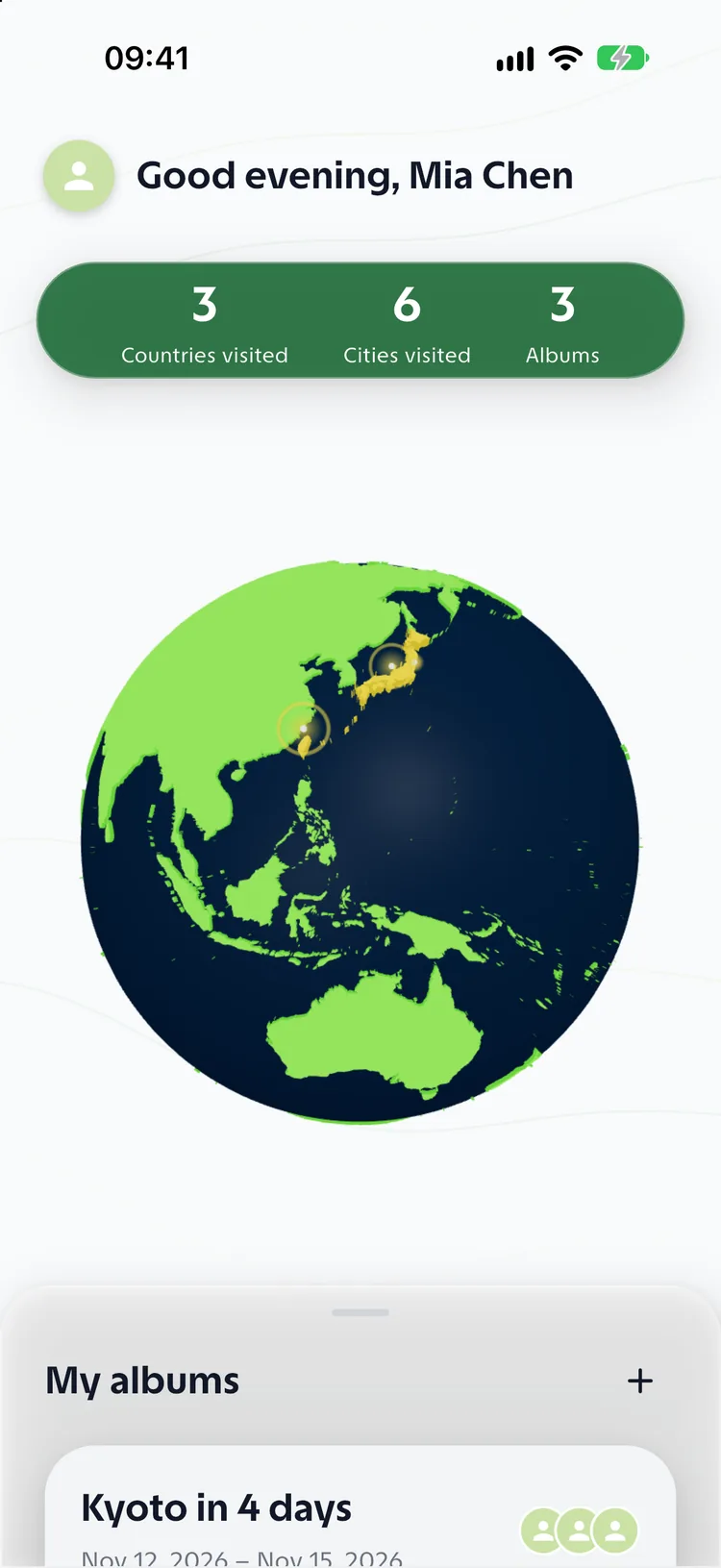
Years later, Kyoto is still lit on the globe
Whenever the trip comes to mind, it’s right there when she opens the app.
Your globe
The home screen is a 3D globe that shows the countries and cities Mia has visited.
Trip map
Open the album and the route from those four days is still on the map, each place numbered in order.
Epilogue · Journal
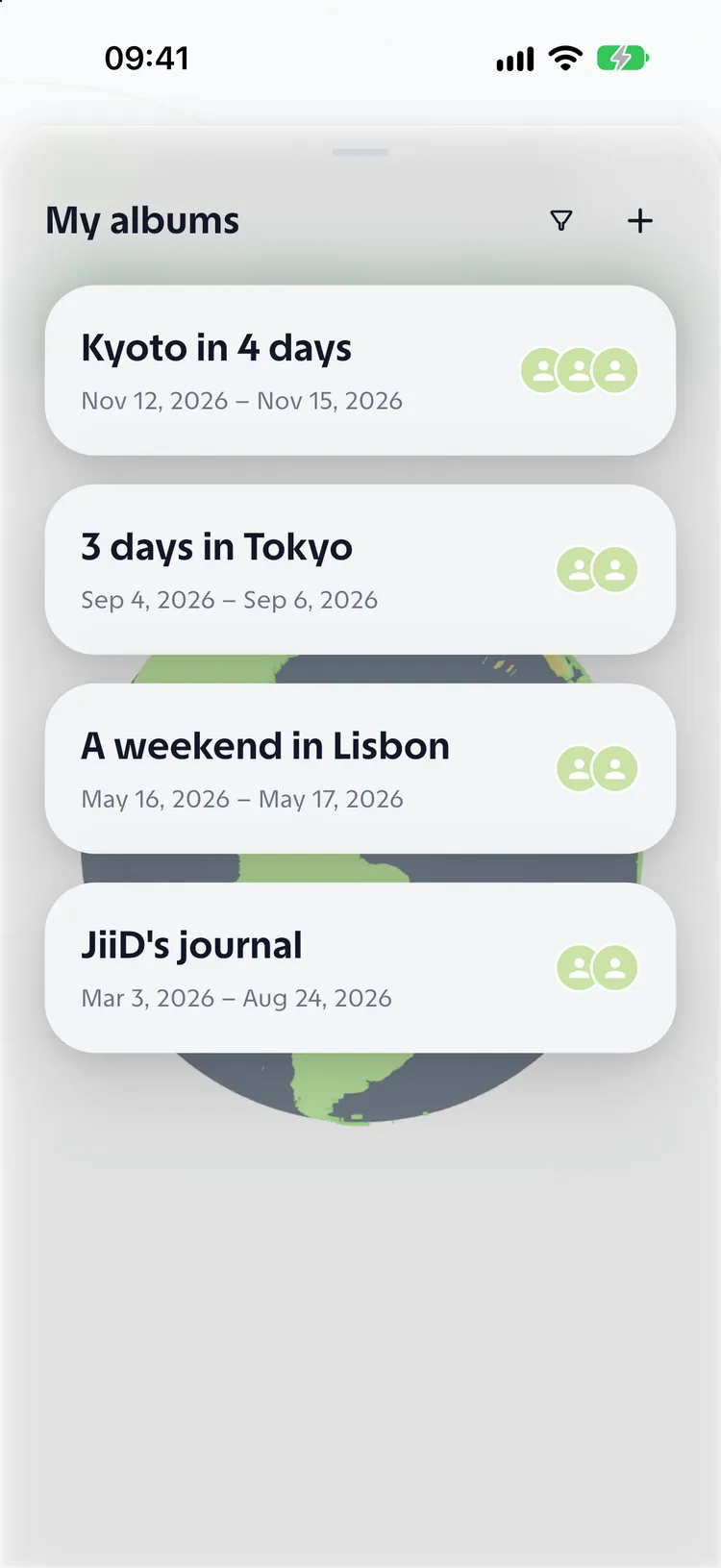
And JiiD
And then there’s JiiD
Mia’s corgi, JiiD, has an album too.
Journal albums
For a child or a pet growing up. Photos that span months or years are grouped by time into an album that keeps growing.
Coming next
Still on the way
These features aren’t live yet. When they’re ready, you’ll find them in the app.
Event albums
Birthdays, weddings, reunions. Every guest’s photos in one album.
Community albums
Same concert, same match. Build a public album with everyone who was there.
Photo books
Print an album as a book you can hold.
Find a moment with one sentence
Type “sunset by the sea” and Gulliver finds it among thousands of photos.
Your next trip
Let Gulliver sort out your next trip.
For iPhone and Android, in Traditional Chinese and English